
How to Create a Sales Order
Access the Sales page which can be accessed from either:
-
The top left of the home page.

-
The top left of any page with the circle icon. Once clicked, an option menu will cover the screen. Choose the Sales page on the top row near the right side of the screen.

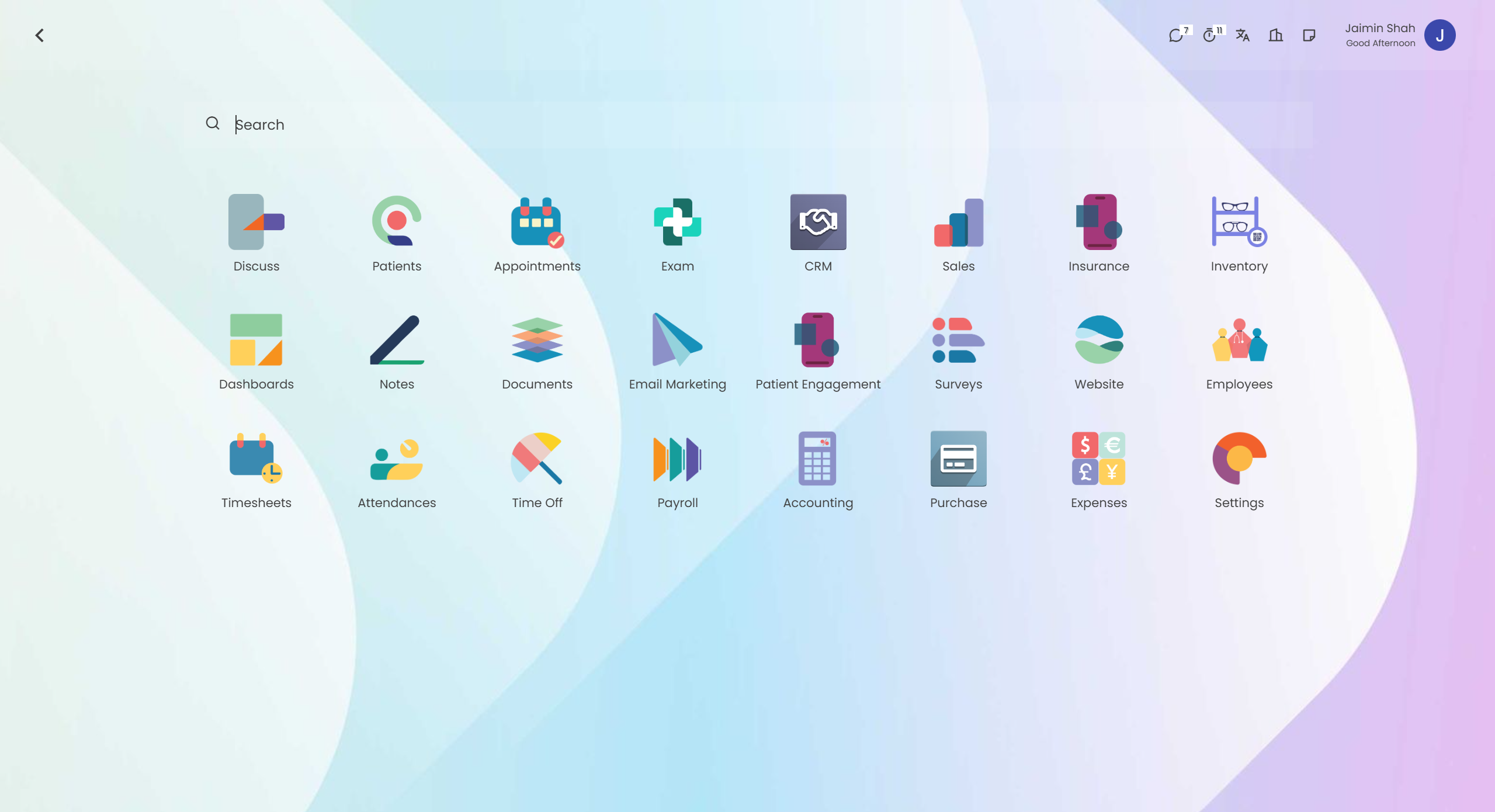
Once you are on the sales page, click the New button near the top-left of the page to create an order.

To learn how to fill out an order, refer to this page (link here).